Waiting for your PC to boot is probably the worst part of your day. Even after the boot process finishes and your desktop appears, you still have to wait for all startup programs to load before using your computer properly. Let's check out BootRacer, and how it can help you get more insight into your PC's boot time.
Measure your boot time
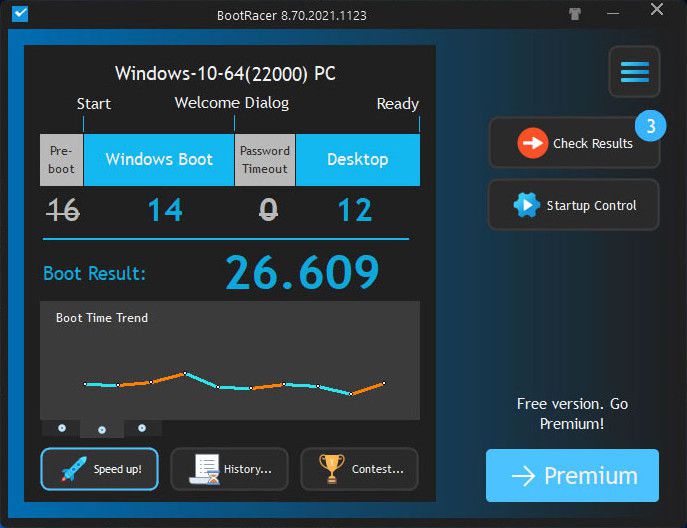
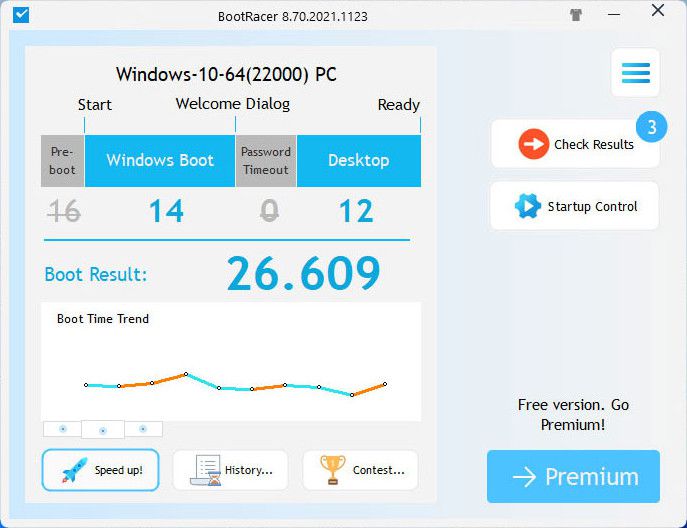
BootRacer is a Windows utility that remains free for personal use. Once you install and enable it, the app measures the time your system needs to boot up and launch all your programs. When the process finishes, a summary screen displays the total time required, alongside a detailed breakdown for individual applications. Note that BootRacer smartly excludes the time you spend typing in your password from its measurements!
Take control of startup items
Beyond just tracking the seconds ticking by, BootRacer actively helps improve boot times by letting you disable unnecessary startup programs. For advanced features, you can upgrade to the premium version, or you can remove potential malware with Greatis Software's companion tool, UnHackMe. The built-in Startup Control feature goes a step further, allowing you to not only remove startup items but also rearrange their boot order. This is particularly handy if you rely on a specific program that needs to load the moment you hit the desktop.
Run additional tests and compete
You can easily run additional diagnostic tests, including a clean boot test that completely bypasses all startup programs. It makes identifying the exact bottlenecks dragging down your system much simpler, which can be invaluable for IT administrators managing dozens of company PCs. As a fun bonus, BootRacer even lets you post your results online to compete in a worldwide contest for the fastest-booting PC!
Vedin Klovo
App tester and reviewer
★★★★★
★★★★★
Pros
Free for personal use
Lets you analyze boot times
Manage startup items and change their boot order
Results are available immediately after restarting
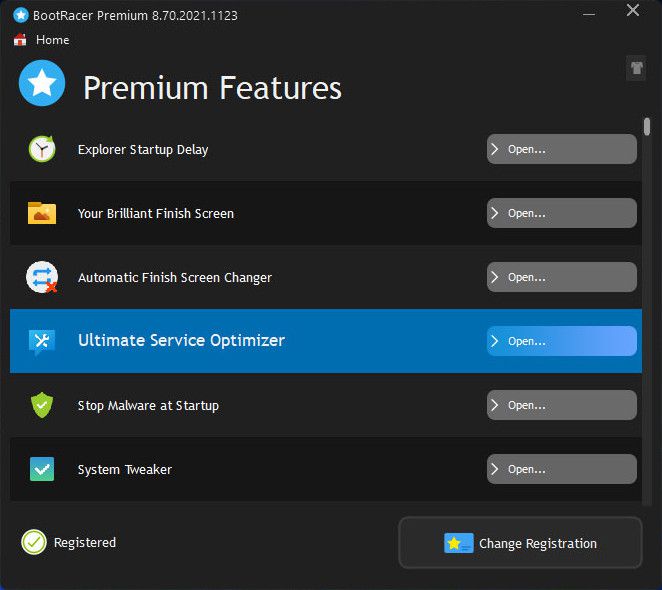
The Premium version contains many useful features to speed up your PC's startup
Cons
Clicking the "Which programs slow down start-up" button doesn't do anything